
From document to done. Simply.
Upload your document, add the signature fields and send it off. Yeti Doc makes getting documents signed simple.
Step 1
Start with the document you already have.
Upload the file you already use. There's no need to rebuild it — Yeti Doc gets it ready for signing as it is.
- PDF and Word (.docx) files
- Combine several files and reorder pages
- Or scan a paper document with your phone camera
Drop your document here
PDF or Word (.docx)
Contract.pdf
Schedule.pdf
Step 2
Put everything in the right place.
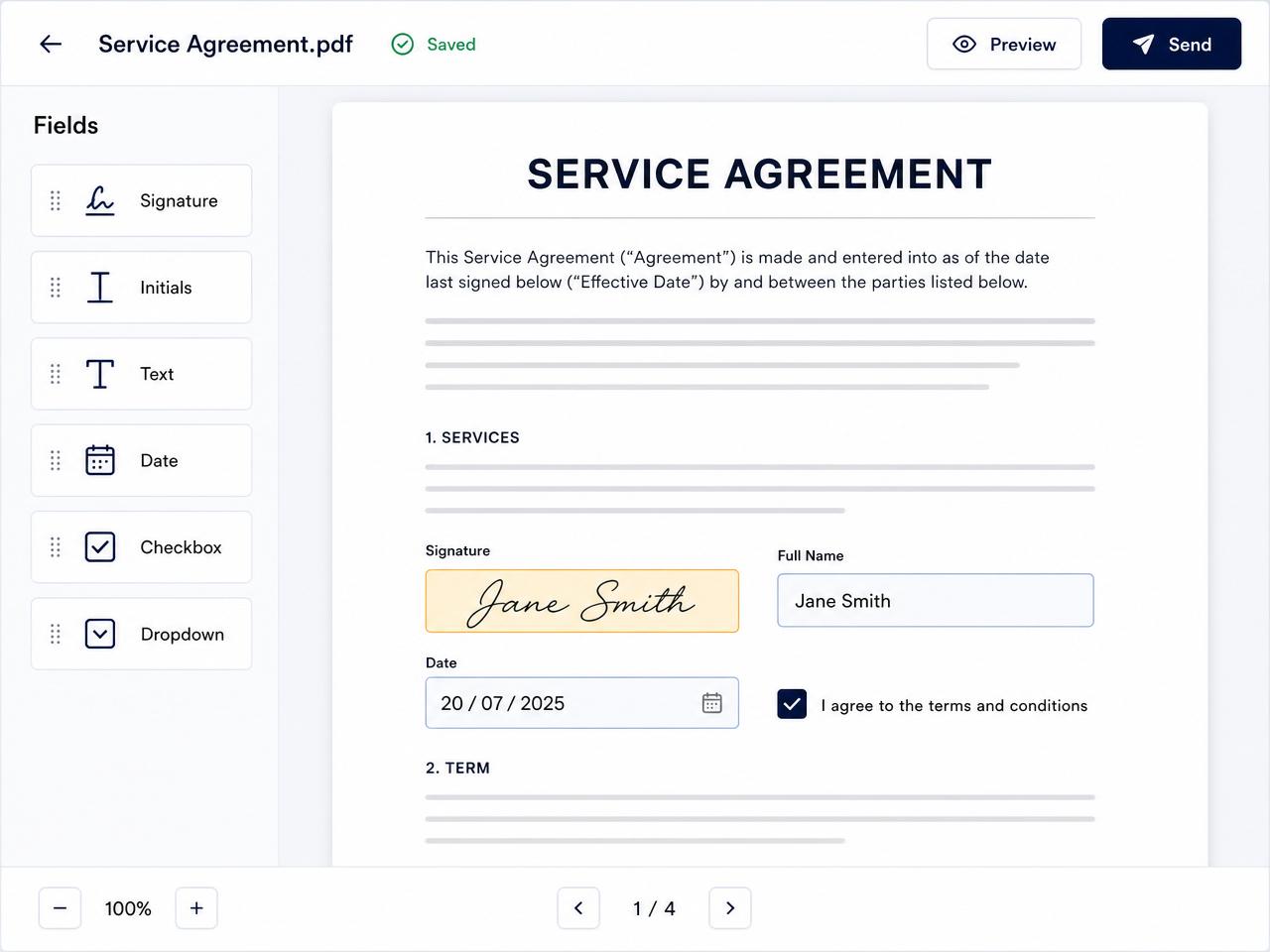
Add who needs to sign, then drop fields exactly where they belong on the page.
- Signature, initials, name, date, text and checkboxes
- Assign each field to the right recipient
- Drag to move, resize to fit
SignatureDateName☐ I agree
Step 3
Send it off. No printing required.
Each recipient gets an email with a secure link. They open it, fill in their fields and sign in the browser — on a phone, tablet or computer.
- Recipients don't need a Yeti Doc account
- Nothing to download or install
- Add an access PIN for extra protection
Please sign: Contract
You've been sent a document to review and sign.
Review & signJ. Smith
Finish signing
Step 4
Keep everything moving.
See where every document is up to from your dashboard, and let Yeti Doc chase signatures for you.
- Automatic reminders for unsigned documents
- Signed PDF emailed to everyone when complete
- Audit trail and completion certificate included
Lease agreementCompleted
Job quote #142Awaiting signature
Service agreementCompleted
Ready to make paperwork simpler?
Create your first document with Yeti Doc and see how straightforward it can be.